
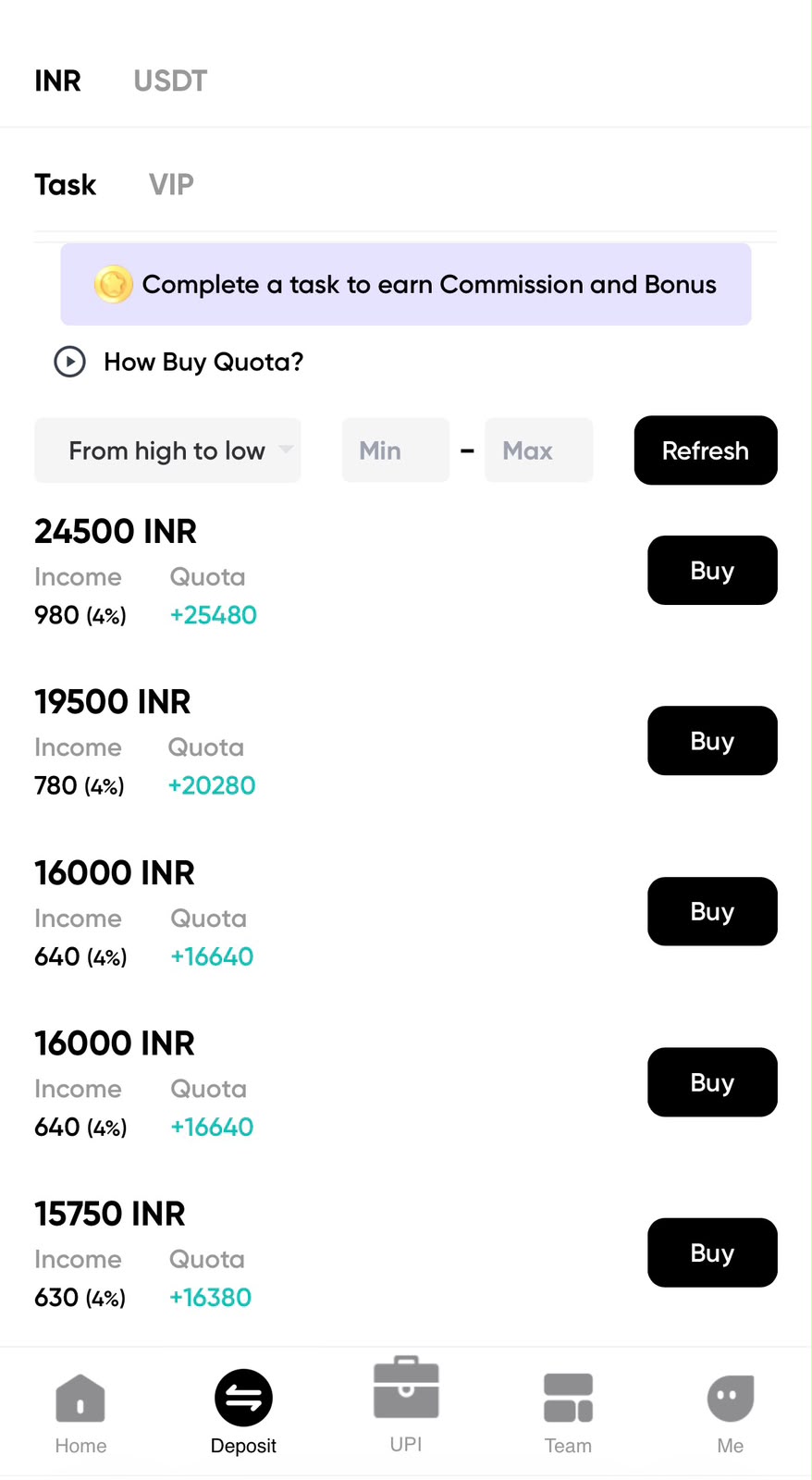
A Toppay USDT deposit is irreversible once broadcast. There is no cancel button and no support action that reverses a blockchain transaction. This guide is a checklist — work through it in order, every time, including when you feel confident.
Step 1: Open the deposit screen in your account
Sign in at top-payy.online and open the USDT deposit section. Two pieces of information appear there and both matter equally:
- The network (for example TRC20).
- The wallet address for that network.
Never use an address from an old screenshot, a chat message or another page. Deposit addresses can be regenerated, and a stale address may no longer be monitored.
Step 2: Match the network exactly
This is where nearly all USDT losses happen. In your sending wallet or exchange, select the same network your deposit screen specified.
- TRC20 (Tron) — addresses begin with
T. Low fee, fast. - ERC20 (Ethereum) — addresses begin with
0x. Higher fee. - BEP20 (BNB Smart Chain) — addresses also begin with
0x.
Because ERC20 and BEP20 addresses look identical, the address format alone cannot tell you which network is correct. Only the network selector can. Set it deliberately and read it back before continuing.
Step 3: Copy the address correctly
Use the copy button on the deposit screen. Do not type the address by hand — a single wrong character sends funds nowhere recoverable, and human transcription of a 34-character string is unreliable.
Step 4: Verify the pasted address
After pasting into your sending wallet, compare against the original:
- The first six characters.
- A block of characters from the middle.
- The last six characters.
The middle check is not optional. Clipboard-hijacking malware substitutes an address chosen to have a similar-looking beginning and end — checking only the ends is exactly the behaviour it is designed to defeat.
Step 5: Send a test amount
For a first deposit, or any time the address has changed, send a small test amount. Wait for it to be credited to your balance, then send the rest. The network fee on a test transfer is trivial compared to the alternative.
Step 6: Save the transaction hash
Your sending wallet produces a transaction hash (TxID) once broadcast. Save it. Every subsequent step — checking confirmations, tracing a delay, raising a support query — depends on it. Without a TxID there is no way to investigate anything.
Step 7: Wait for confirmations
Look up the TxID on the explorer for the network you used (Tronscan for TRC20, Etherscan for ERC20, BscScan for BEP20). You will see one of:
- Pending / unconfirmed — broadcast, not yet in a block. Wait.
- Confirmed — included and confirmed on the blockchain.
- Failed — not executed, usually due to insufficient gas. Funds normally remain in your wallet minus the fee.
Once confirmed on-chain, crediting to your account balance is a separate step handled by the platform. Confirmed on the explorer but not yet visible in the dashboard is normal for a short period.
Do not send twice
Between broadcast and crediting there is a waiting period, and that wait is where people make expensive mistakes. Sending a second transaction because the first “seems stuck” usually results in both arriving. Verify the first with its TxID before doing anything else.
Troubleshooting
- Explorer shows confirmed, balance not updated — allow processing time, then contact support with the TxID, network, amount and time.
- Wrong network used — report immediately with the TxID. Recovery is often impossible, but the TxID is the only thing that gives any chance.
- Explorer cannot find the TxID — you are likely checking the wrong network’s explorer. Try the one matching the network you actually selected.
- Amount below minimum — small deposits may not credit automatically and need manual handling.
Security reminders
- Never share your wallet seed phrase or private key. No support process requires it.
- Never let anyone screen-share while you access a wallet.
- Always copy the deposit address from the account screen, never from your transaction history — address-poisoning attacks plant look-alike addresses there.
For network background and withdrawal checks, see the Toppay USDT guide and the withdrawal guide.
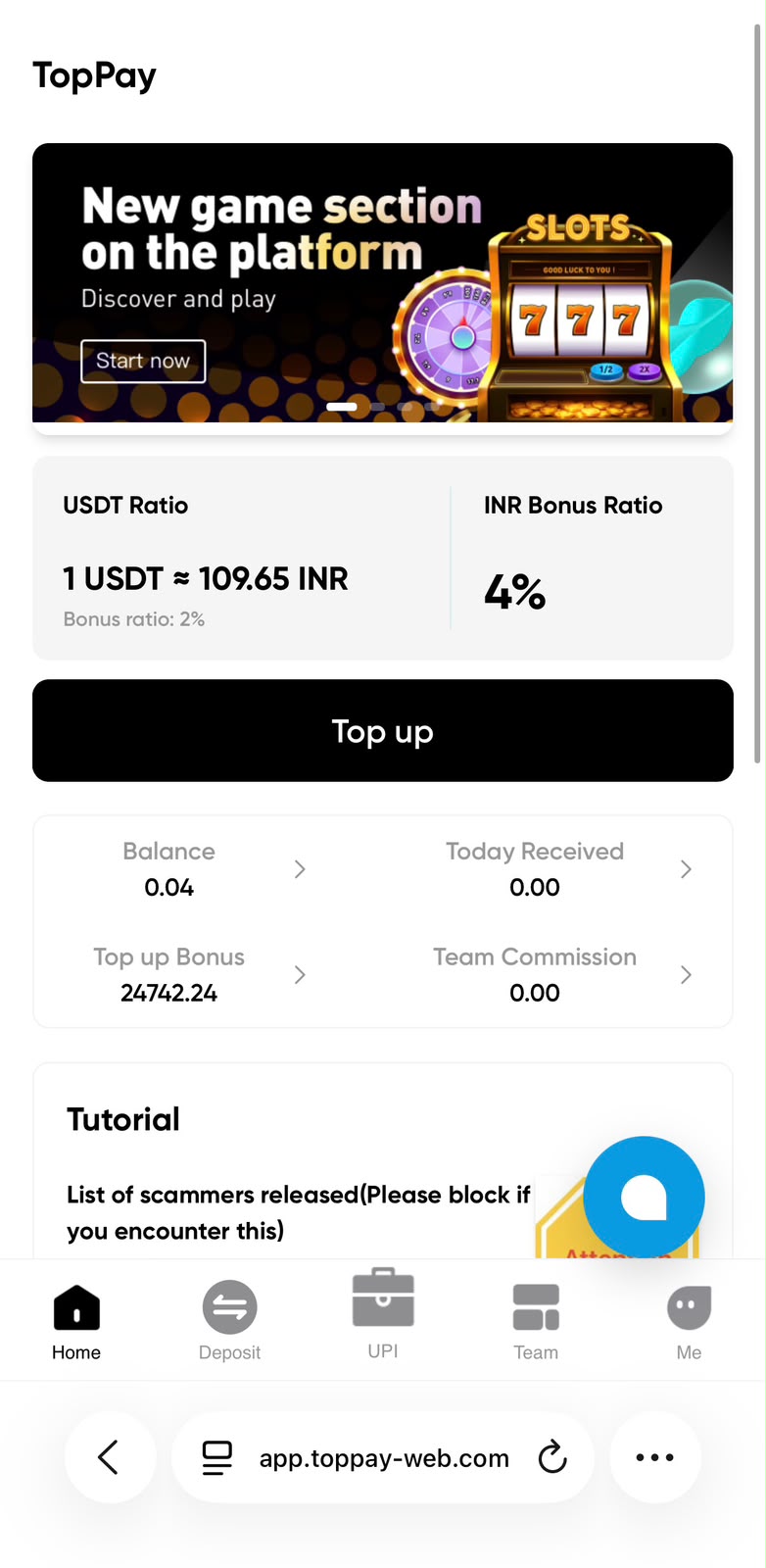
USDT ratio, bonus and account overview
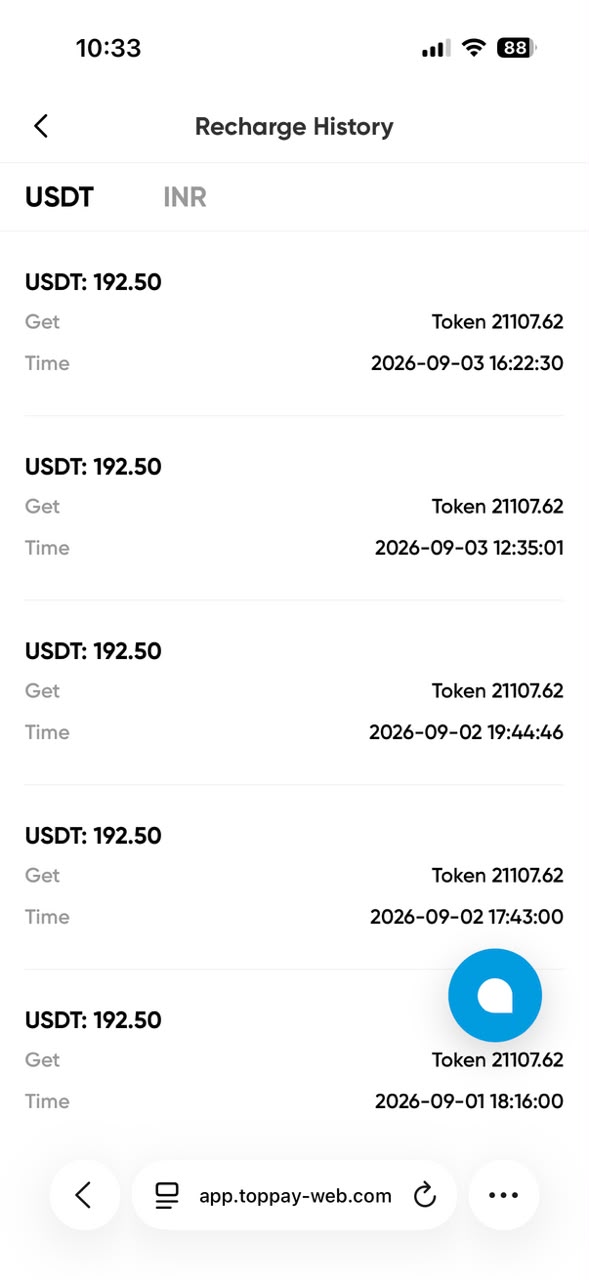
USDT and INR recharge history example
Quick answer
How to Deposit USDT on Toppay
Open the USDT deposit screen in your account, match the network exactly, copy the address with the copy button, verify start, middle and end characters, send a small test amount, and save the transaction hash before sending the rest.
Who is this guide for?
Users preparing a USDT deposit into a Toppay account who need the exact network and address verification steps.
Search topics covered
This guide directly covers these related Toppay searches:
- How to deposit USDT in Toppay
- Toppay USDT deposit
- Toppay usdt
- USDT TRC20 deposit
Key checks
- Network mismatch is the leading cause of permanent USDT loss.
- ERC20 and BEP20 addresses both start with 0x, so only the network selector distinguishes them.
- Verify middle characters, not just the start and end of the address.
- Save the transaction hash; without it nothing can be investigated.
- Never send a second transfer while the first is unconfirmed.
Common questions
Can I reuse an old Toppay USDT deposit address?
Use only the address currently displayed in your signed-in account. Deposit addresses can be regenerated, and an old address may no longer be monitored.
What should I save after sending USDT?
The transaction hash, the network used, the amount and the time. Never share your wallet seed phrase or private key with anyone.
How long do USDT confirmations take?
TRC20 usually confirms within about a minute. ERC20 depends on Ethereum network congestion. After on-chain confirmation, crediting to your balance is a separate step.
Last updated: 12 October 2026 · Read the disclaimer